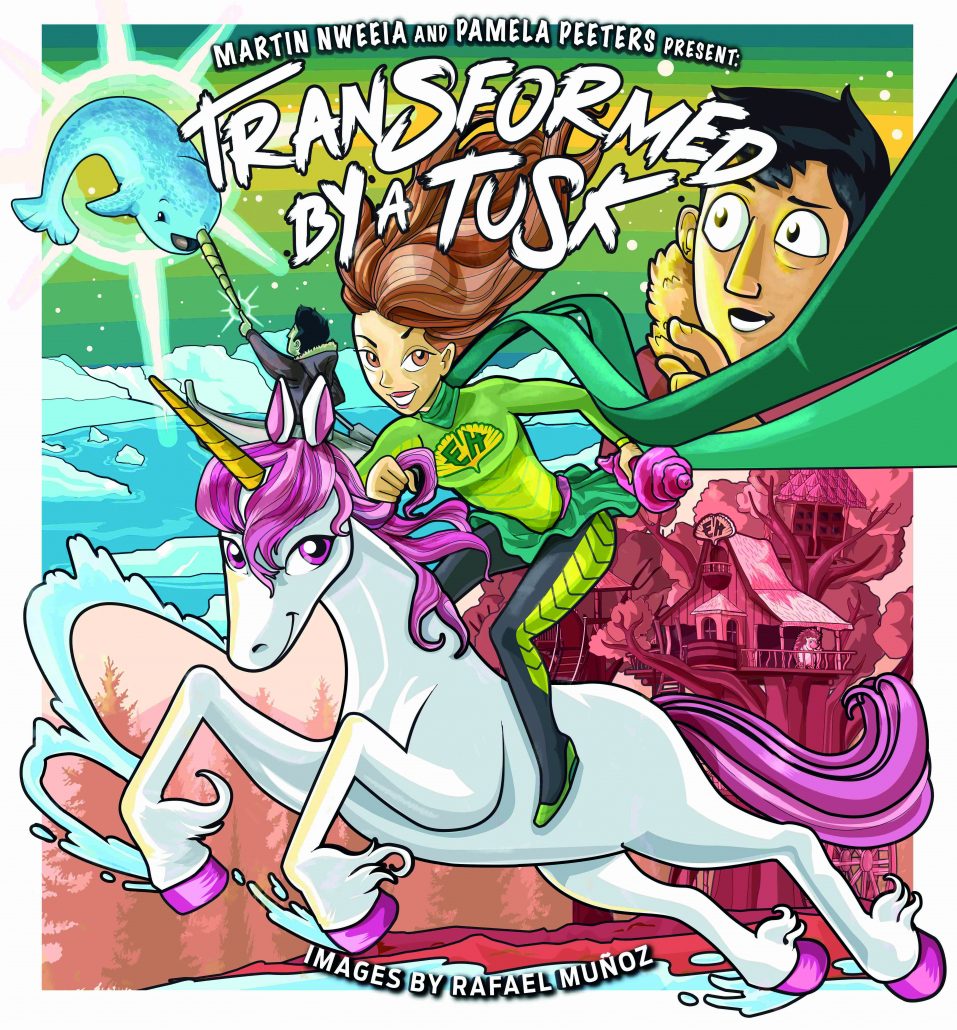
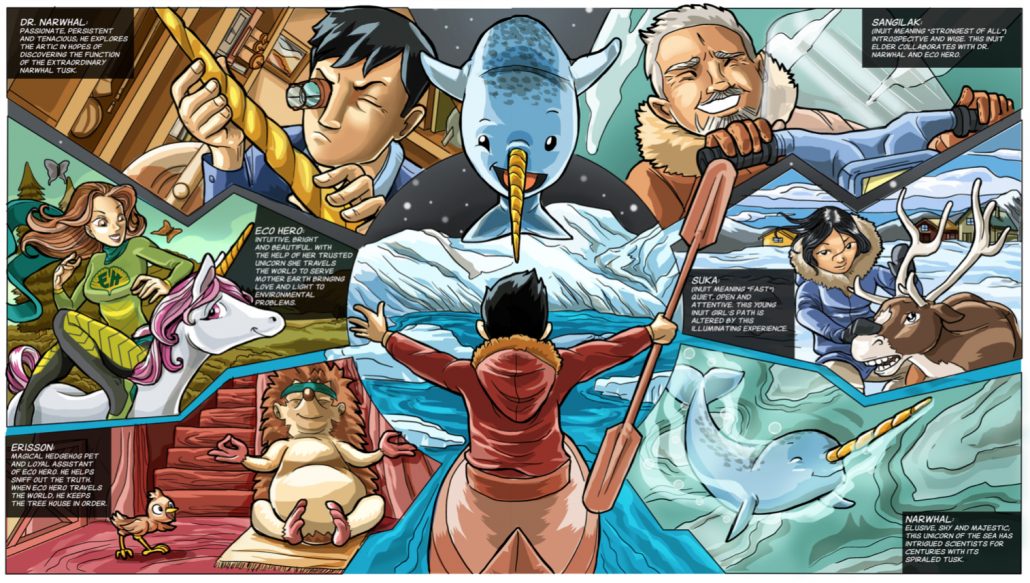
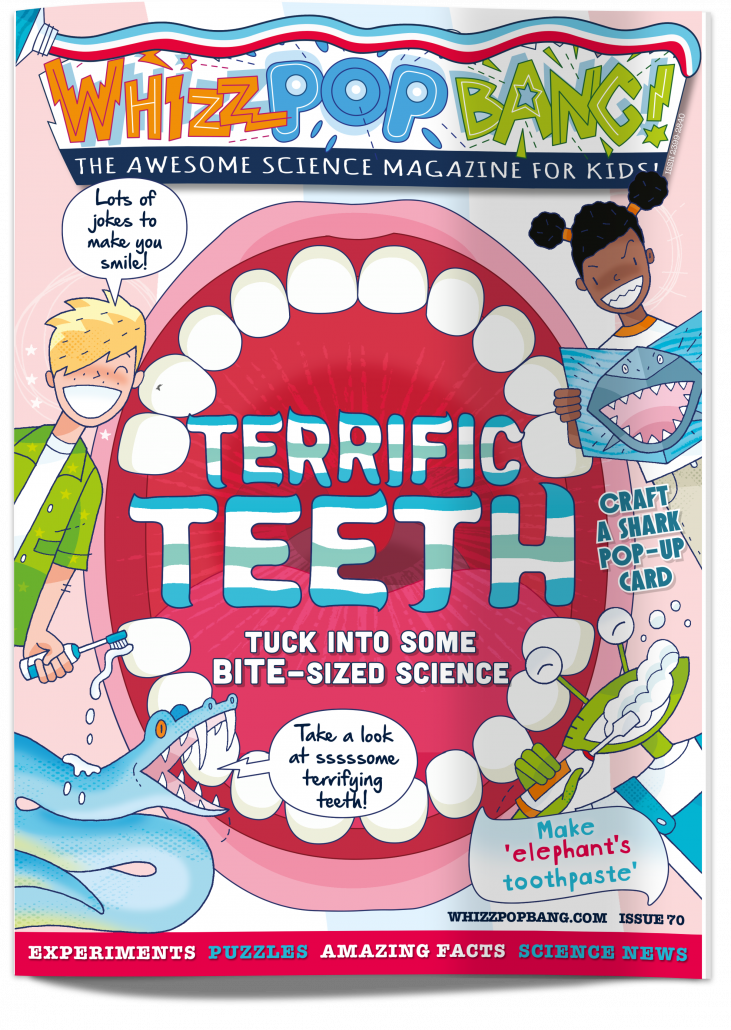
In Whizz Pop Bang: TERRIFIC TEETH, we interview a dentist who is also an expert on the narwhal tusk which he describes as “the coolest tooth on the planet!” He’s so intrigued by it that he based this brilliant graphic novel on this incredible tusk.
This gorgeously-illustrated tale tells the story of an Eco‐Hero who is called to the High Canadian Arctic to help the narwhals. Discover the Inuit Legend of the Narwhal, the effects of climate change and impacts of industrial development and the mystery of the narwhal’s legendary tusk.
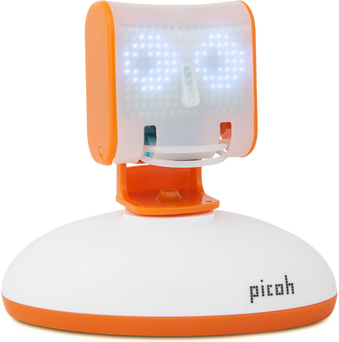
Meet Picoh! Picoh is a smart little robot that can speak, look around and interact with you when you connect it to a computer. Its LED matrix eyes can blink and change shape. It can smile and frown and it has lights and sound in its shoulders. Whatever Picoh does is all up to your programming skill!
To be in with a chance of winning one of three Picohs from ohbot.co.uk, all you have to do is to code Picoh to tell a joke or say what you love about science! You could also code some actions if you like.
To create your program and see a virtual version of Picoh carrying out your commands, use a web browser such as Chrome and Edge (not Safari) to go to https://scratch.ohbot.co.uk. On the far left of the screen, click on the Ohbot code section (at the bottom) and then drag and drop any commands you want to use. Don’t forget to put an event command at the beginning, e.g. ‘When space key pressed’. If you need some help, read our guide below. Once you’ve finished, click on ‘File’ and then select ‘Save to your computer’ to export your program. Email your Scratch file to win@whizzpopbang.com by 8th July 2021. The winning entries will be judged by the Ohbot team, and winners will be selected according to the skill of the coding as well as the funniness/ originality/ cuteness of Picoh’s speech!
How to program Picoh…
Scratch is a coding platform that’s ideal for beginners. It’s really easy to use – simply load https://scratch.ohbot.co.uk in a browser (not Safari) and then you simply drag command blocks from the left-hand panel and drop them into your Scratch coding project. The command blocks click together like the pieces of a jigsaw. The website https://scratch.ohbot.co.uk is all set up for you to start programming Picoh.
To begin, you need to move an event block into your coding project. For example, you could choose ‘When green flag clicked’. This tells the computer to begin your program when someone clicks on the green flag icon.
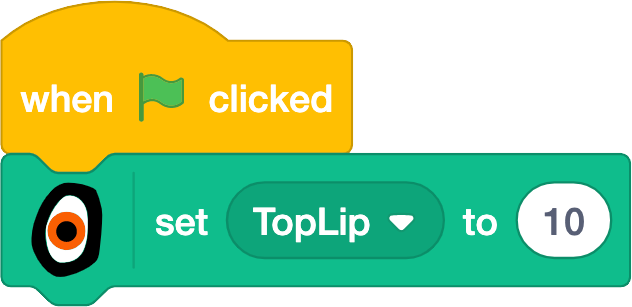
The ‘Motion’ and ‘Looks’ sets of command blocks don’t work with Picoh. Instead, select the bespoke section of command blocks, called ‘Ohbot’ (at the bottom left of the screen). Choose one of these blocks and place it underneath your event block. Some of the blocks have dropdown menus that give you more options, for example you can choose to set Picoh’s top lip position to 10.
Run your program by clicking on the green flag icon (if that was the event block you chose) and see what happens to Picoh’s lip.
To make Picoh talk, select a ‘Speak’ command block and type in the words you would like Picoh to say. You can set Picoh’s lips to move automatically when it speaks by choosing the ‘Set lip to’ command and dragging the ‘lip’ command onto that block. You can also change Picoh’s eye shape and make Picoh’s head turn or nod. Play around with the command blocks to see what Picoh can do. You can even add in a comic pause by using a control command block to make Picoh wait for a set amount of time! Once you’re happy with your program, click on ‘File’ and then ‘Save to computer’ to export your program. Email your Scratch file to win@whizzpopbang.com by 8th July 2021.
If you need some more help, you can download the file below, which is a ready-built Scratch program for Picoh. Once you’ve downloaded the file, go to https://scratch.ohbot.co.uk and then upload the file into your project by clicking ‘File’ and then ‘Load from your computer’. Click the green flag icon to watch Picoh in action, then take a look at the blocks of code to see how it was coded. Notice how there are two threads of code (one over to the right of the page). You can alter the code so that Picoh speaks the words that you choose, and you can also change Picoh’s actions too if you like.
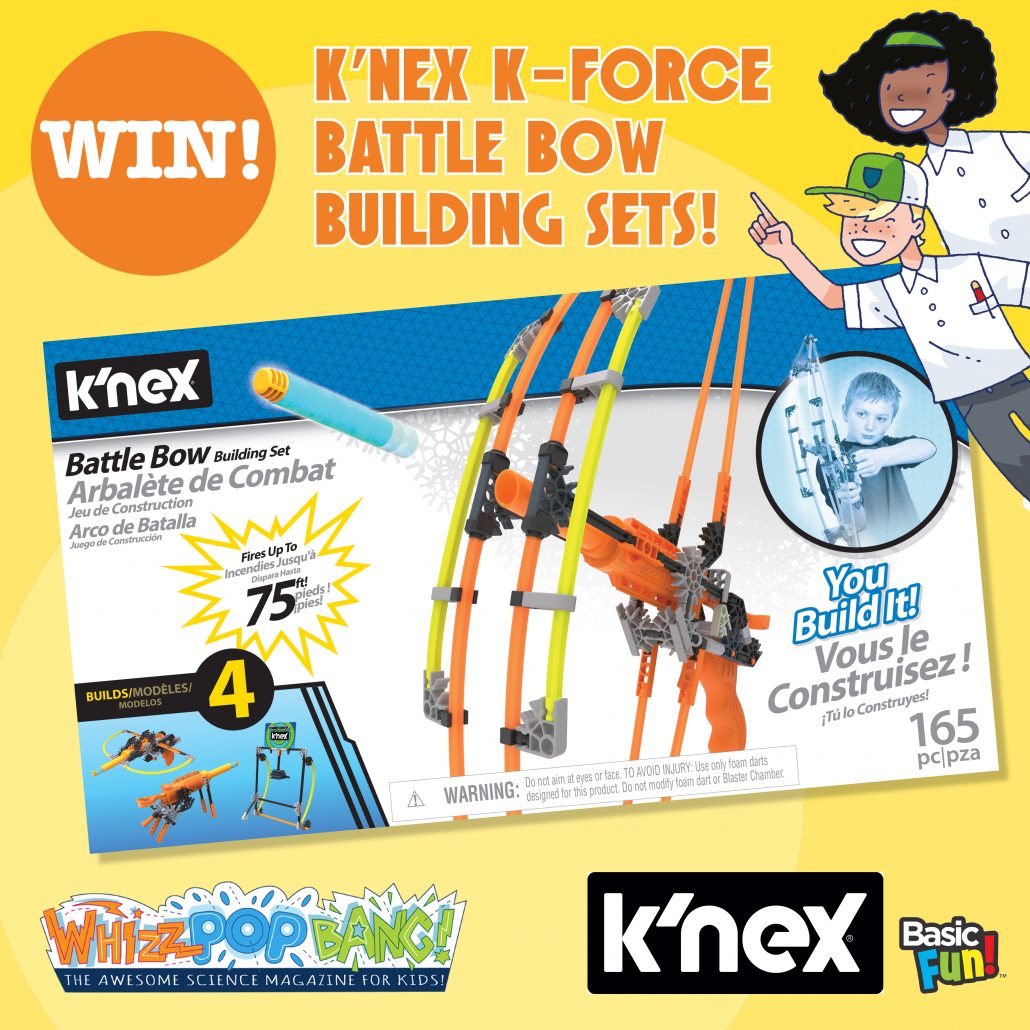
We’ve got four epic construction kits to give away thanks to Basic Fun UK!
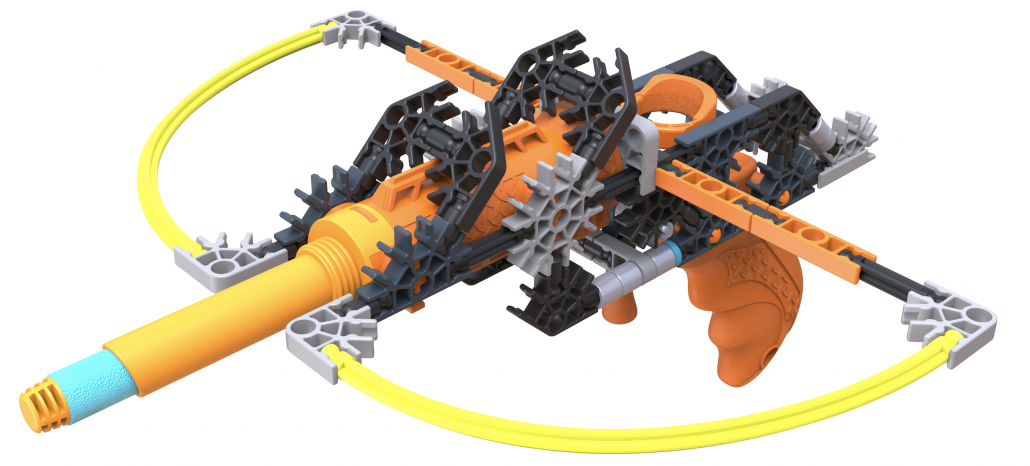
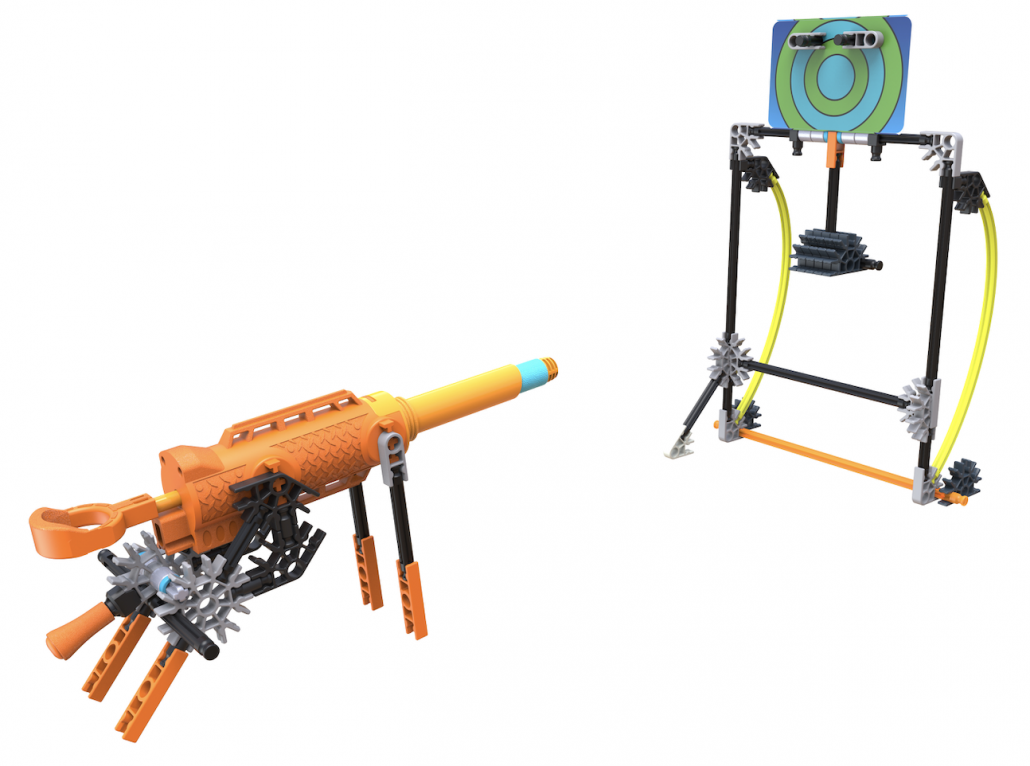
Create four different blasters and target models with the K’NEX K-FORCE Battle Bow Building Set. Use the battle bow to strike targets – it’s up to you whether you’re an agent or an archer!
The set comes with five soft foam darts that can be fired up to 22 metres! Containing 165 classic pieces made of durable plastic material, this set include rods and connectors that join in different ways to build customisable battle gears and target models. The set is also compatible with the entire K-FORCE Build and Blast™ line.
Looking for some simple science activities to keep children busy during the holidays? Here are three fantastic ways to make paper soar through the air.
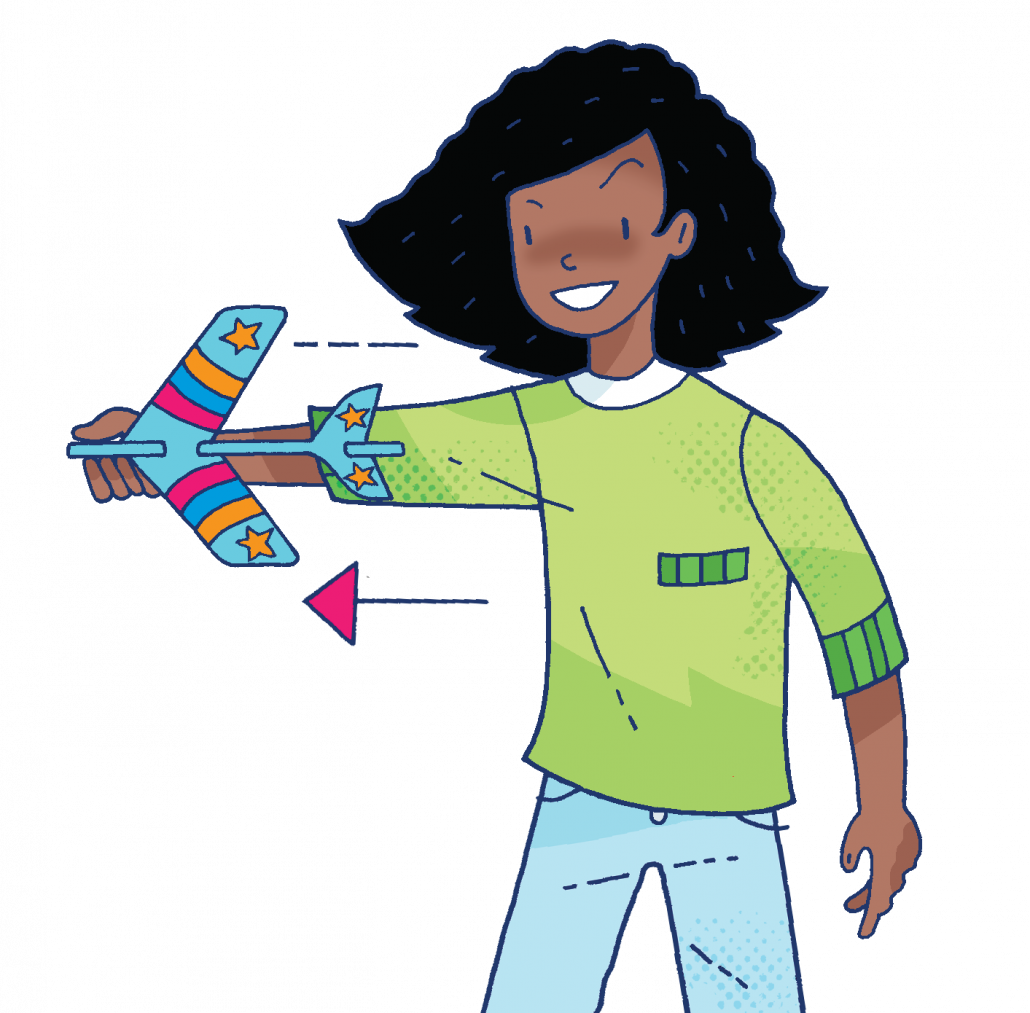
Discover new twists on paper planes – just download, print, cut, fold and launch! Try out one design, or challenge your children to make all three and compare how they travel.
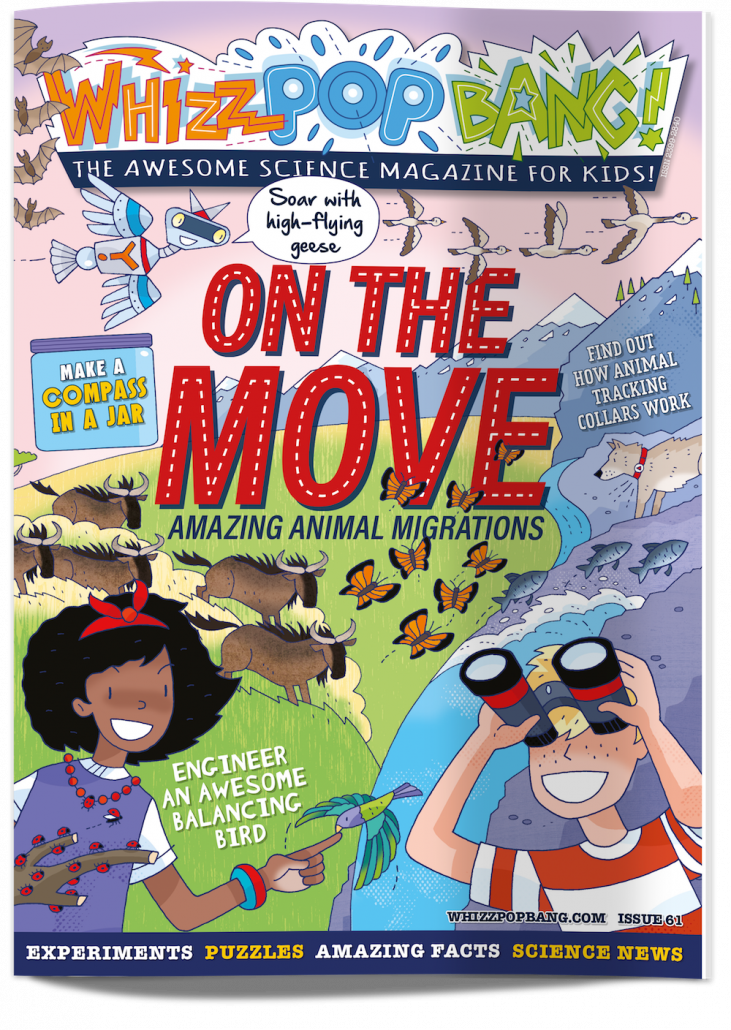
Whizz Pop Bang is a top-quality, gender-neutral, advert-free science magazine for families everywhere. Each issue is packed with experiments, activities, amazing facts, puzzles, jokes, riddles and more. Find out more here and flick through a space-themed issue here!
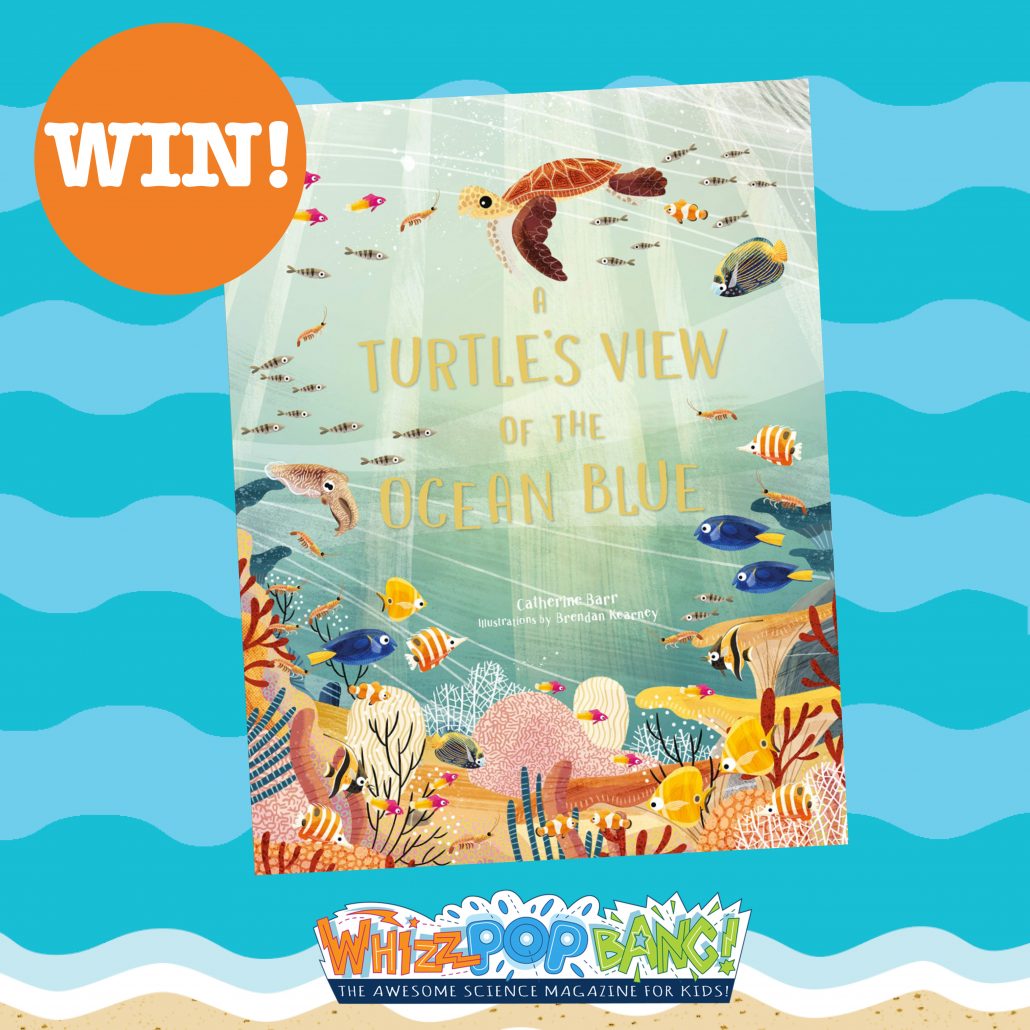
Thanks to our friends at Laurence King Publishing, we’ve got five copies of this beautiful book to give away!
Leap into the blue ocean and join your sea turtle guide who’ll lead you on an adventure from the sunny surface to the deepest depths of the oceans.
Explore the five oceans and the creatures that live in these incredible habitats. In A Turtle’s View of the Ocean Blue by Catherine Barr, readers will see our oceans in action and learn what we can all to help to save them.
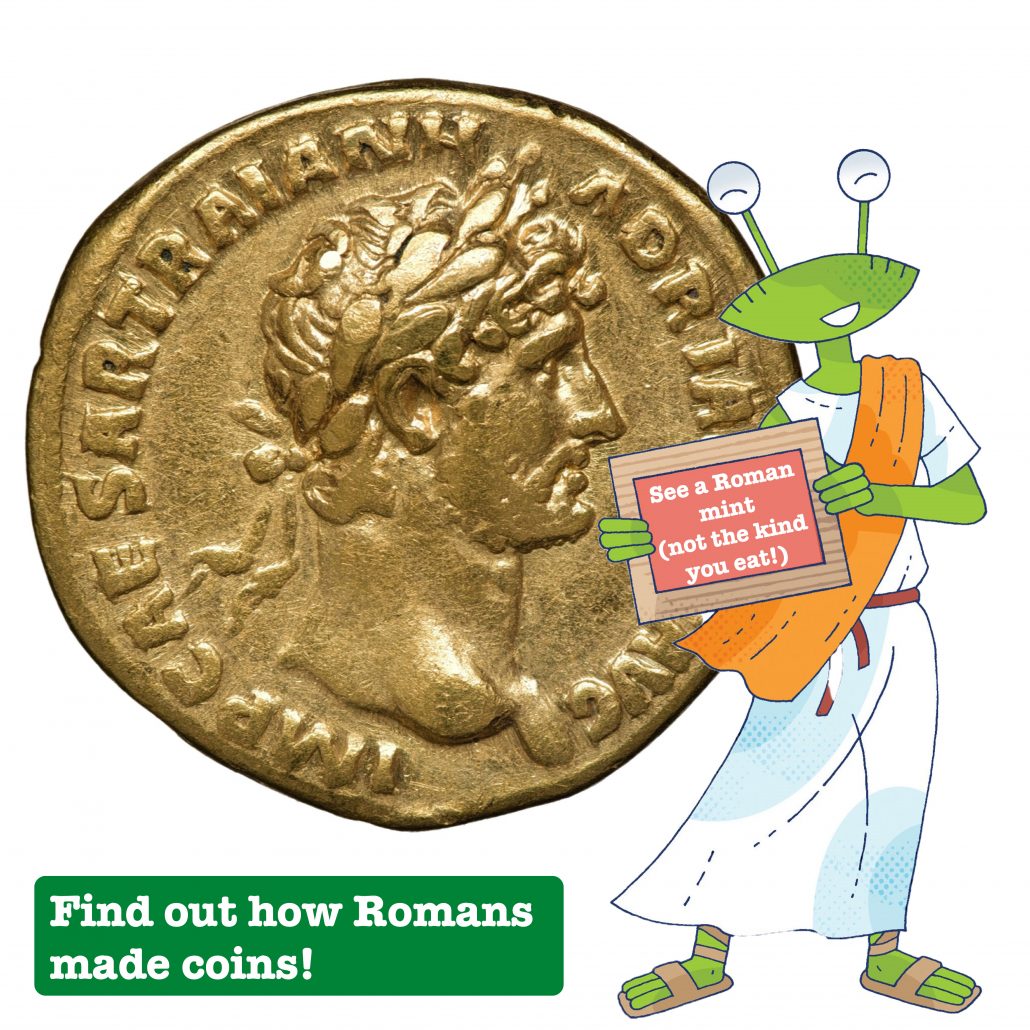
All over the Roman empire were mints where coins were made.
To make a coin, they put a disc of silver, gold, copper or bronze between two harder metal ‘dies;’ with back-to-front pictures and writing on them. Then they hit them with a big hammer, squashing them together and stamping the coin on both sides.
How do magnets, if rotated correctly, attract themselves?
Alexandre, aged 11
Y answered:
Hi Alexandre! Well, this is pretty complex, so let’s start with a simpler idea. When you stretch an elastic band, the work you do puts potential (stored) energy in the band. When you release the force, the elastic band snaps back, because things move in the direction which reduces the amount of potential energy. Pushing together like-poles (N-N or S-S) takes energy, so the magnets push each other apart (repel) to reduce the potential energy. When you put together two unlike poles (N-S), the potential energy in the magnetic field is reduced, pulling the magnets together (attraction).
Check out what happens if you cut a magnet in half here!
Our robot, Y, answers readers’ fantastic questions in every issue of Whizz Pop Bang! Email your questions to y@whizzpopbang.com and perhaps he’ll answer yours!
Whizz Pop Bang is a top-quality, gender-neutral, advert-free science magazine for families everywhere. Each issue is packed with experiments, activities, amazing facts, puzzles, jokes, riddles and more. Find out more here!
🐰 We’ve got an EGG-citing Easter competition for you! 🐰
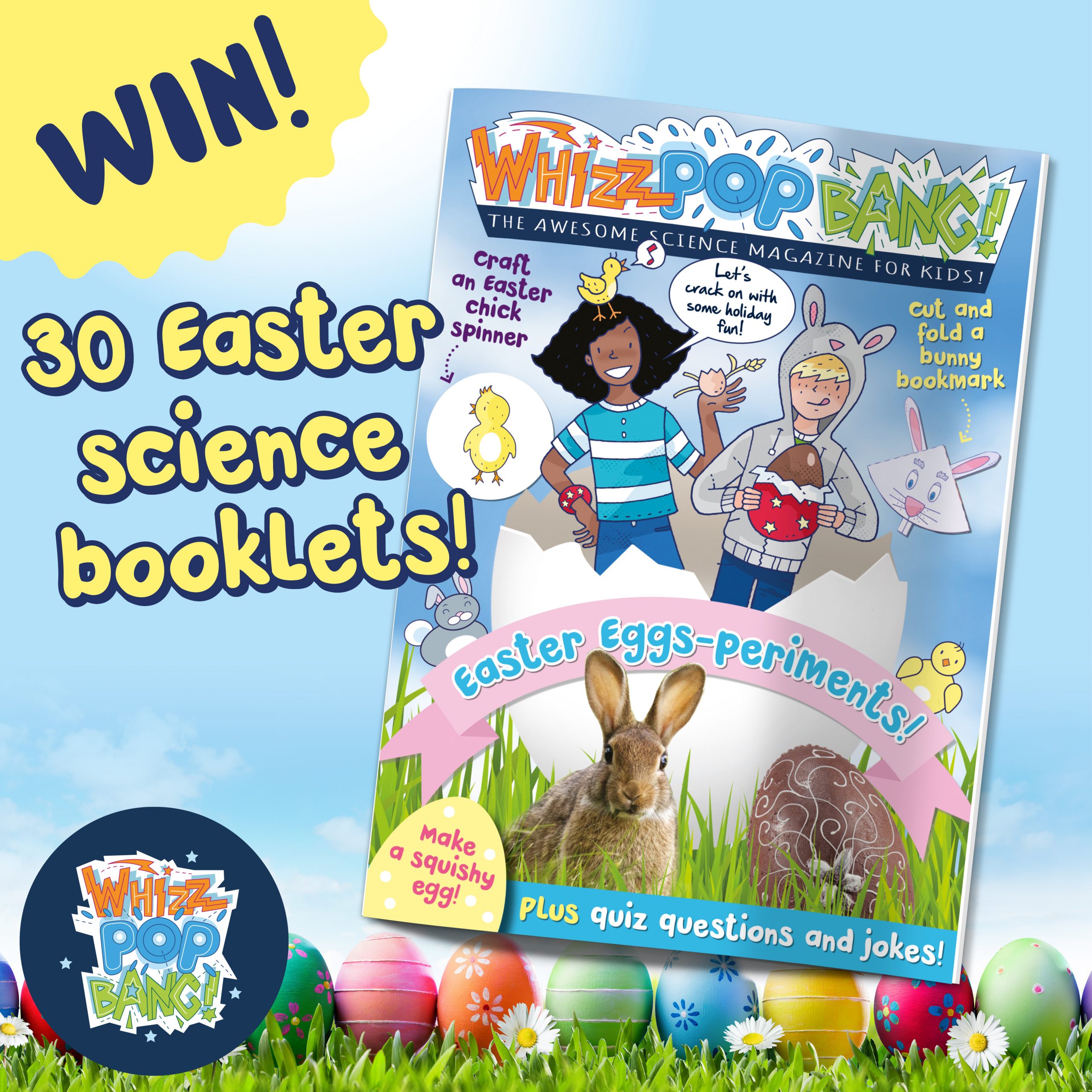
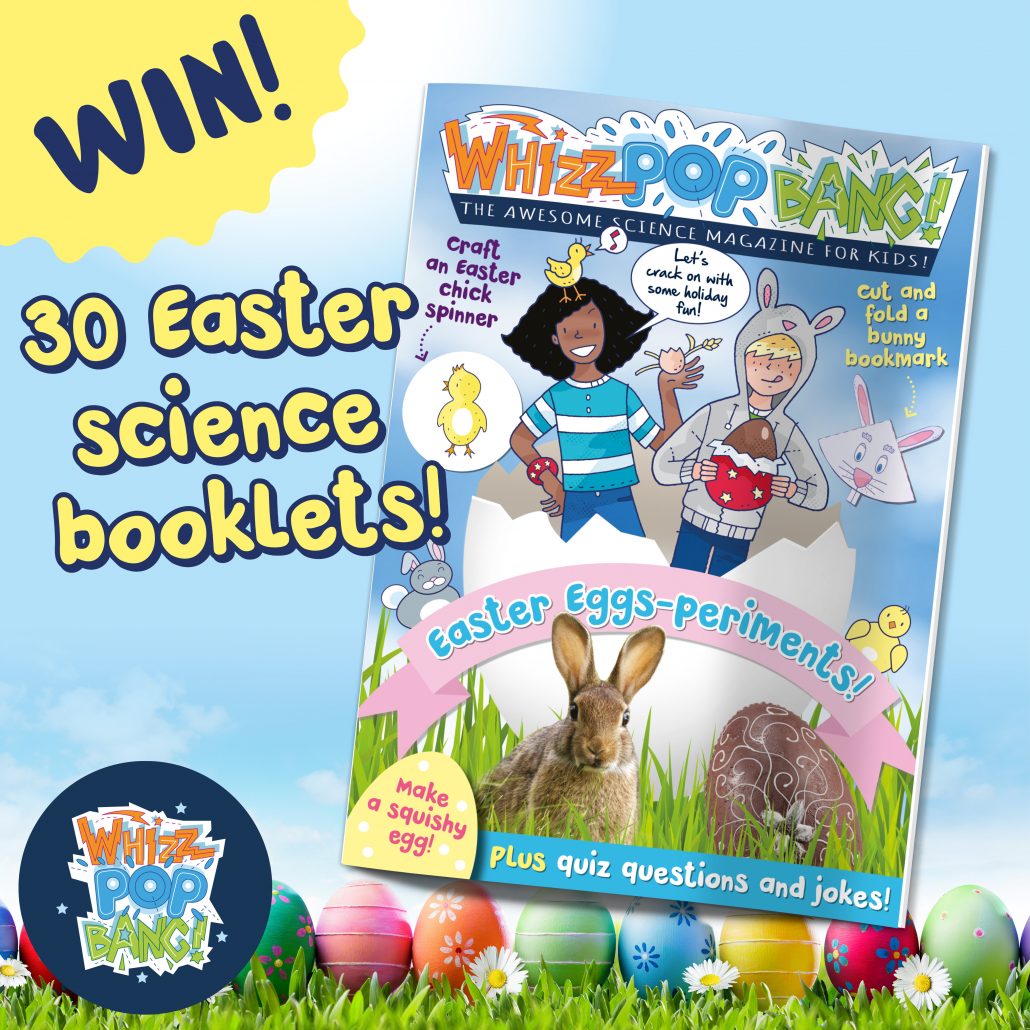
We want to treat a whole class of children to some epic Easter science, so we’re giving away 30 copies of our Easter Eggs-periments booklet! Children deserve a cracking treat to celebrate the end of this very unusual term, so here’s a chance for teachers to win a set for their class, or parents to win a set for their child’s class.
Whizz Pop Bang’s Easter Eggs-periment booklet contains 12 pages of awesome science fun to keep children busy this holiday, including…
To enter, simply answer this question in the comments.
Which of the below is NOT part of an egg?
A. Albumen B. Bitumen C. Chalaza
🐣 🐣 🐣 🐣 🐣
Claim your free Easter science experiments booklet!
This booklet is also available with every purchase from our website until 28th March! To claim your free booklet, simply use the code EASTER21 when you purchase any Whizz Pop Bang product or subscription*.
* Offer valid until midnight on 28th March 2021 on Whizz Pop Bang shop products and new subscriptions only, whilst stocks last. Not valid in conjunction with any other offer.
This competition closes at midnight on 23rd March 2021. The winner will be contacted on 24th March and must provide their details within 24 hours, otherwise another winner will be drawn (we’re really keen to get these booklets to children in time for Easter!) Whizz Pop Bang competition terms and conditions are here.
Primary school reading comprehension packs with question and answer sheets:
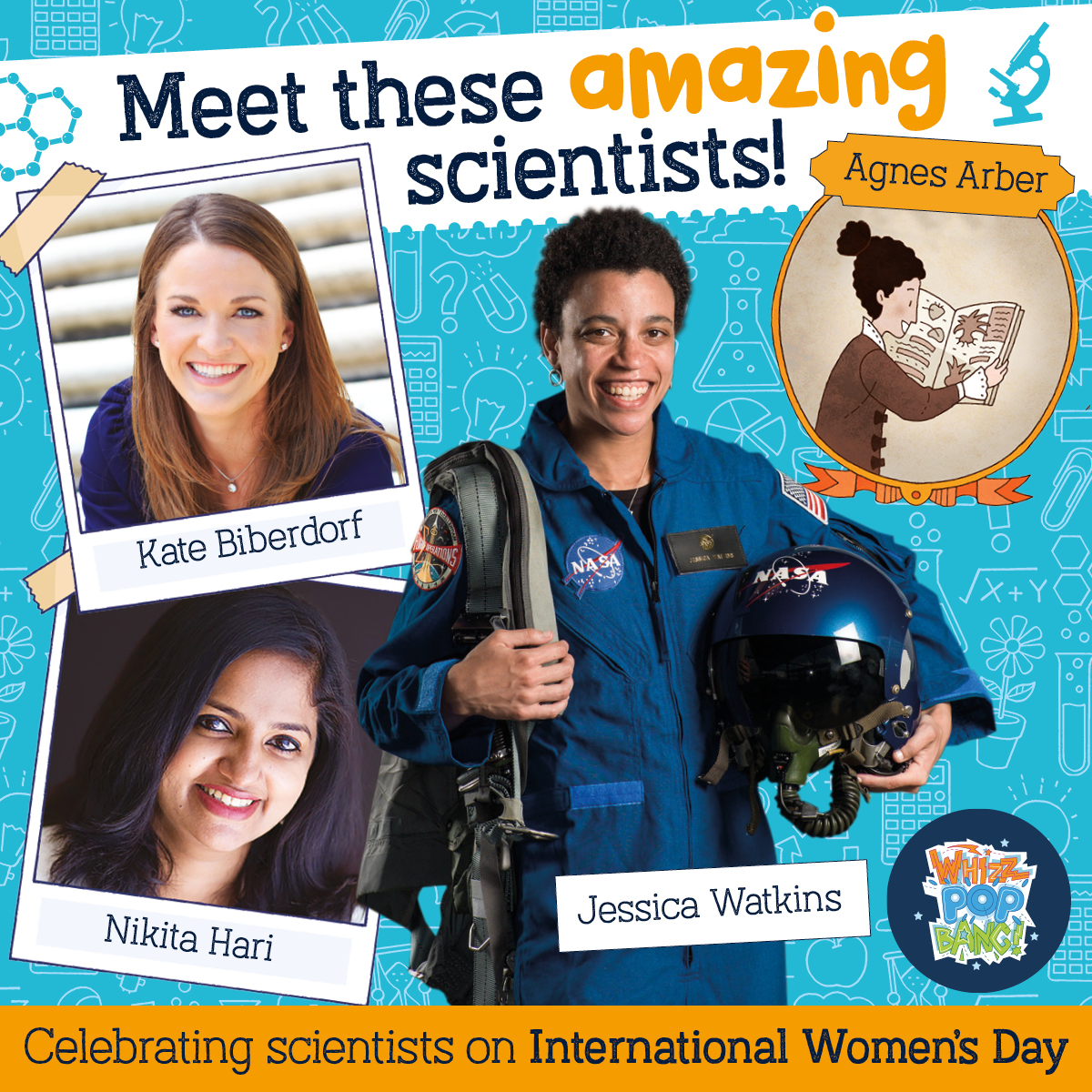
Jessica Watkins, NASA Astronaut
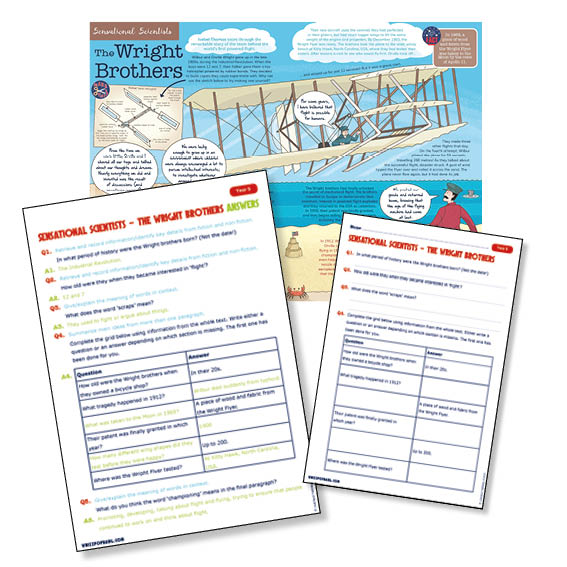
Read about fully trained astronaut Jessica Watkins who hopes to soon be able to fly to the Moon as part of the Artemis missions to the Moon! Includes the feature to print or to read on a tablet, as well as comprehension question and answer sheets. Ideal for Year 5 / P6.
Find out what it’s like to be an electrical engineering whizz with this inspirational interview with Nikita Hari. Includes the feature to print or to read on a tablet, as well as comprehension question and answer sheet. Ideal for Year 6 / P7
Read about sensational scientist Agnes Arber, whose career as a plant scientist started when she was just 13! Includes the feature to print or to read on a tablet, as well as comprehension question and answer sheets. Ideal for Year 3 / P4
Find out why Kate Biberdorf loves to blow things up to inspire her students! Includes the feature to print or to read on a tablet, as well as comprehension question and answer sheets. Ideal for Year 4 / P3
If you think these could be useful in your classroom, you’ll love Whizz Pop Bang’s amazing science and reading resources for schools! Find out more here.
Resources linked to the science and reading curricula
A monthly magazine for broader understanding of key topics
Written by expert teachers and science writers
Gives teachers the confidence to deliver accurate science lessons
British Science Week (5th-14th March 2021) was always first in my calendar as a Primary Science Co-ordinator and I usually started with very grand ideas! Whilst a whole week of science is brilliant, this year it might be more realistic to consider just planning one day – it will be just as exciting, but manageable both in school and for any pupils isolating at home. Here are some FREE ideas and resources for creating a super exciting Fly High Friday!
Did you know that Whizz Pop Bang magazine also creates curriculum-linked science resources for primary schools? Scroll to the bottom to find a brilliant offer that’s running throughout March 2021!
Here’s everything you need to make planning your science day as simple as possible:
A whole-school challenge with suggestions for each year group
Science lesson plan with curriculum links
Downloadable, printable resources
FREE PowerPoint presentations to help teachers run the day
Theme – Flight, linking with the curriculum topic of Forces with a comparative/fair testing enquiry and for EYFS the characteristics of learning.
Challengethe whole school to work together on a flight investigation! The mission: who can make paper fly the farthest? Keep reading to find activities and resources for each year group…
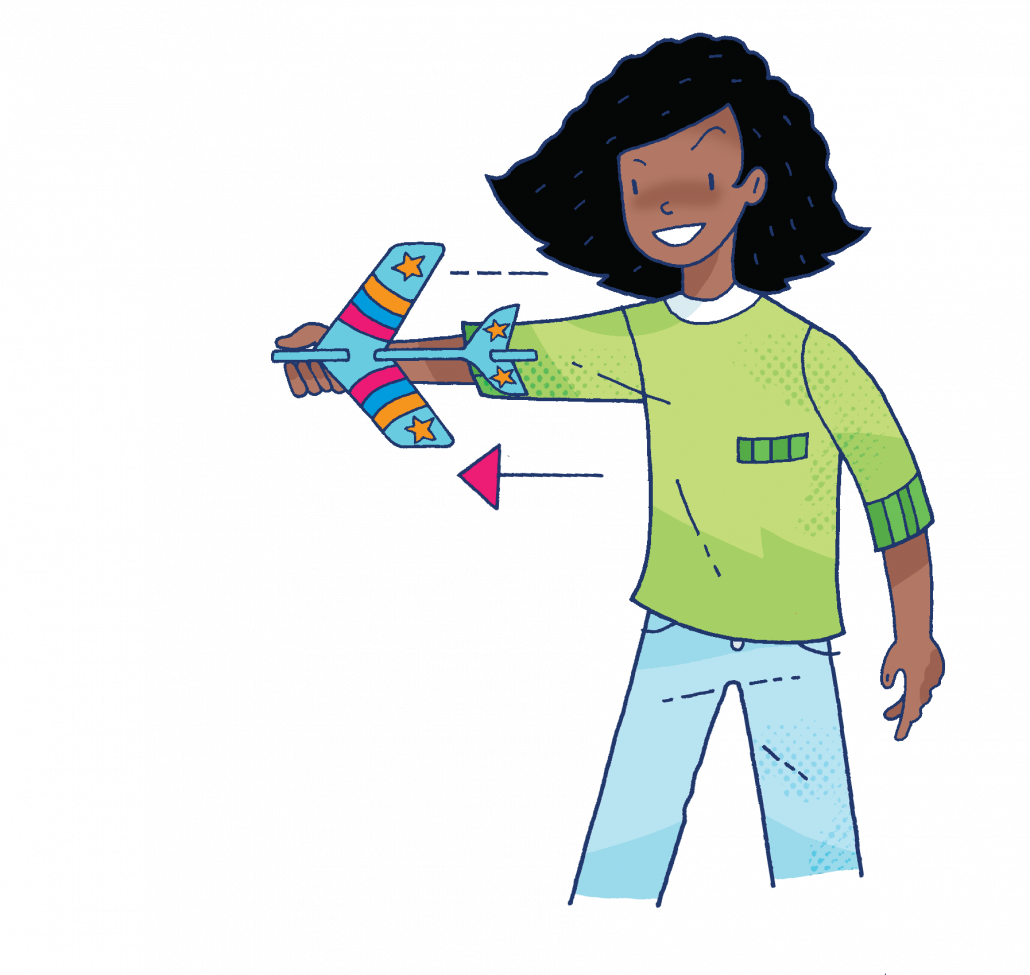
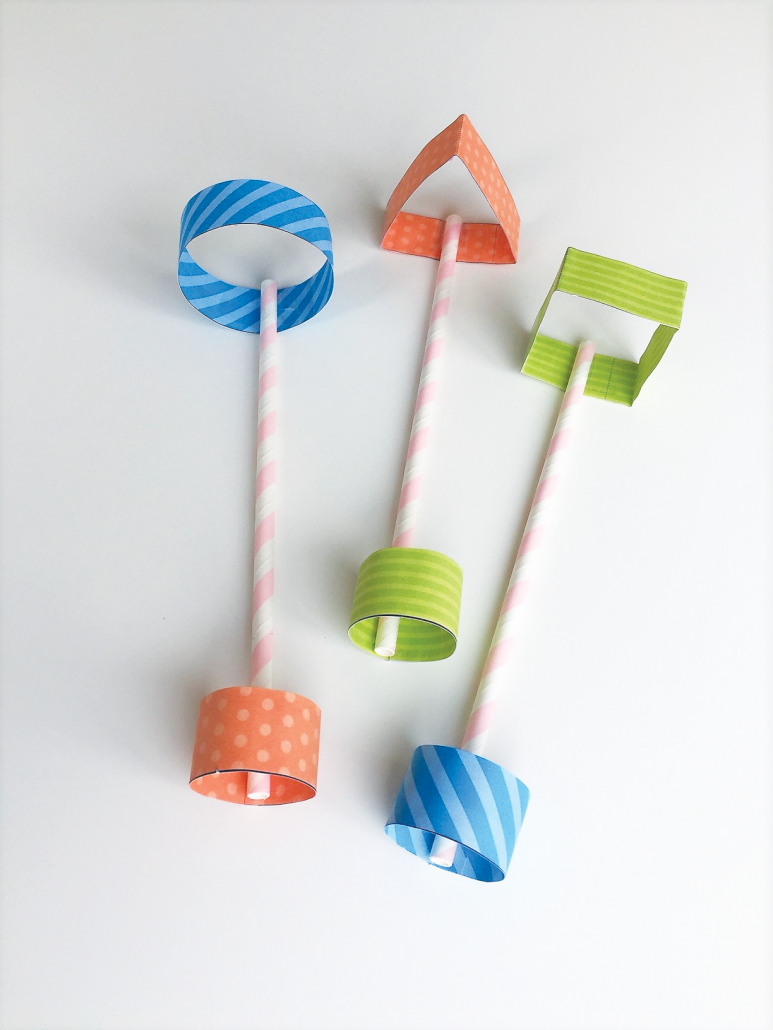
We all love to make a paper aeroplane but is that the only way to make paper fly? Here are some different ways:
For all these ideas you will only need paper, straws, sticky tape, glue and sticky tack – and some space, preferably outdoors! Each year group could have a go at making these different paper flying machines.
EYFS – Allow the children the time to explore how they can make paper fly. The teacher could demonstrate the air-powered rocket, then the children could make either the stunt planes or the straw planes. The children will choose the one they think will fly the farthest, try it and then the class teacher should record the result.
KS1 – Again allow the children the time to explore how they can make paper fly. Then the children should make each of the flying devices and choose the one they think flies the best, then test it. The teacher can collate all the results as a class.
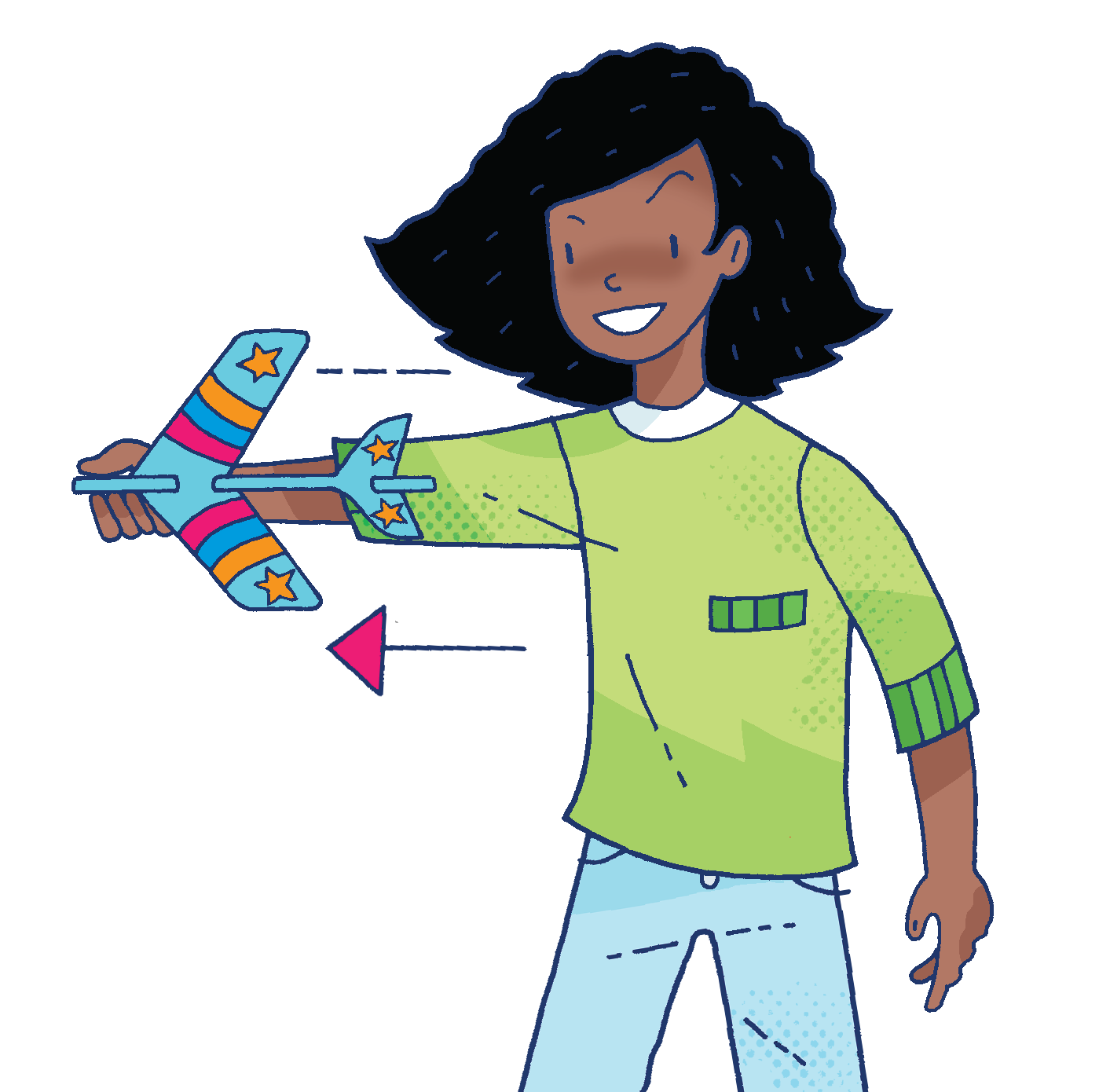
Years 5 and 6 – children can test each design and then make their own flying machines. They should throw their final design five times and calculate the mean result. This will be their final result.
At the end of the day all classes should share their results. This might be by email or you could hold a virtual assembly! Don’t forget to ask for photographs so you can make a display or share them on your school’s social media platforms. We would love to see what you’ve been doing so please tag us @whizzpopbangmag
Whizz Pop Bang magazine and teaching resources are brilliant ways to enhance your school’s science teaching:
We provide downloadable science lesson plans, PowerPoint presentations, hands-on investigations and science reading comprehensions written by primary school teachers.
Whizz Pop Bang teaching resources link to the National Curriculum, ensuring correct coverage.
All of our resources are year group specific, ensuring progression between the years.
We make cross-curricular links to other subjects, such as English, Maths, History, Geography, Design and Technology and PSHE.
Prices from as little as £190 per year for whole-school access to our ever-growing library of downloadable teaching resources, with unlimited teacher logins, as well as a copy of Whizz Pop Bang magazine through the post each month. Plus, we have an amazing offer of a 20% discount until 31st March 2021. Just apply the code SCIWEEK21 at the checkout to receive the discount. (Only available on whole-school subscriptions to the magazines and resources.)
We’ve just launched a new individual membership option so teachers and home educators can access all of our amazing resources forjust £20 for the whole year.
“Using Whizz Pop Bang school resources has enabled investigations to be an integral part of my science planning. I now have investigations and experiments throughout my planning rather than just at the end. The lessons are easy to resource and the pack has everything I need to teach the lesson so it saves me time as well!” Louise Hampson, Year 3 teacher